DICOMPRINT — MHIS Gateway Software

Connect Any DICOM
Application to
Any Windows Printer

DICOMPRINT is a powerful software router that enables any DICOM application — PACS, RIS, Modality or Viewer — to print to any Windows printer seamlessly, without changing your existing systems.

DICOM Applications
RIS
PACS
Modality
Viewer
Other DICOM
DICOM
Print Jobs
DICOM to
Windows Print
Software Router
Receives DICOM Print Jobs
Converts & Routes Securely
Delivers to Any Windows Printer
Print
Output
Windows Printers
Network Printer
Shared Printer
Local Printer
Any Windows Printer
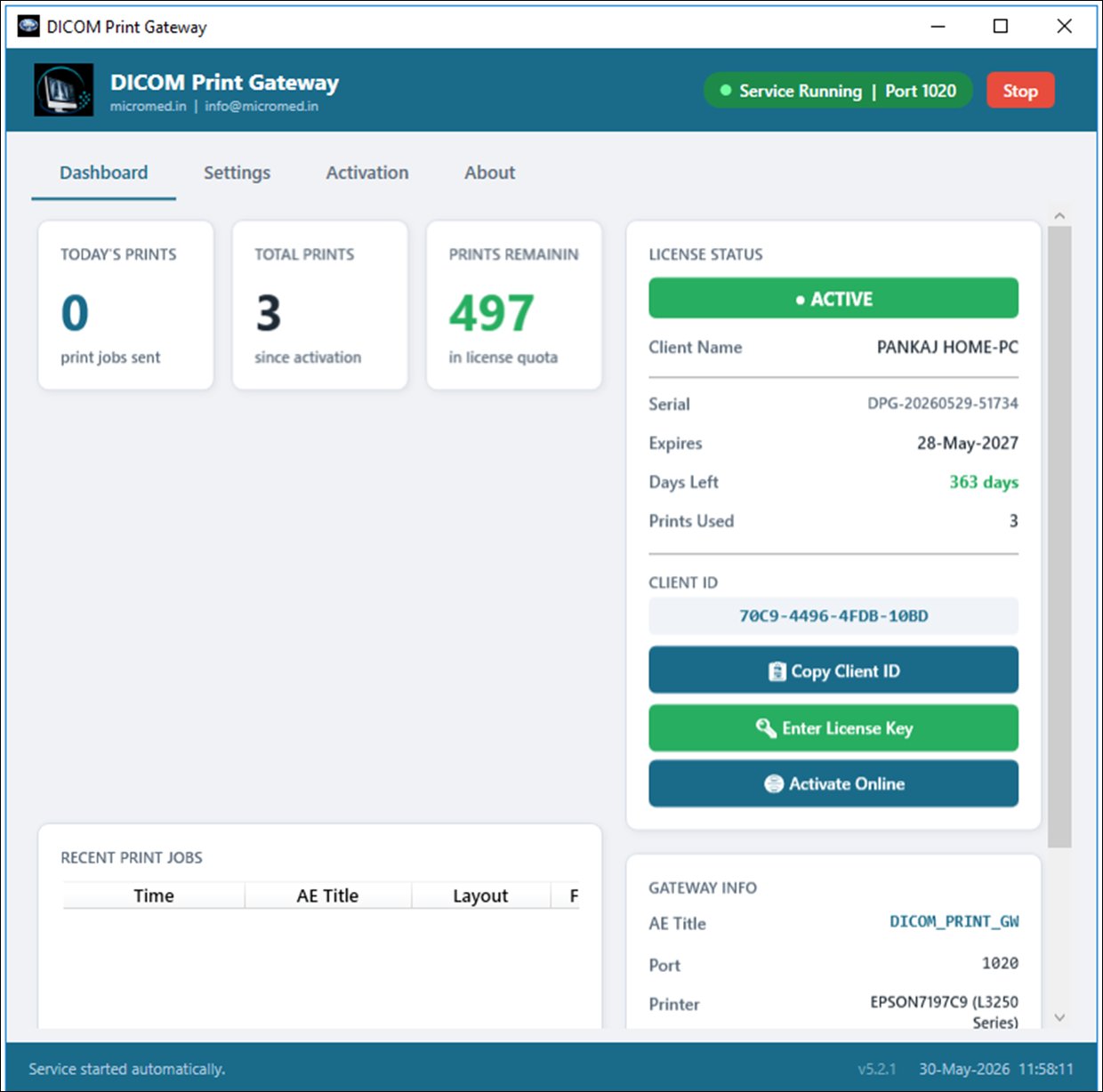
DICOM Print Gateway Software
Live Software
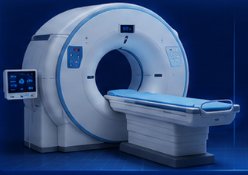
CT Scanner — DICOM modality
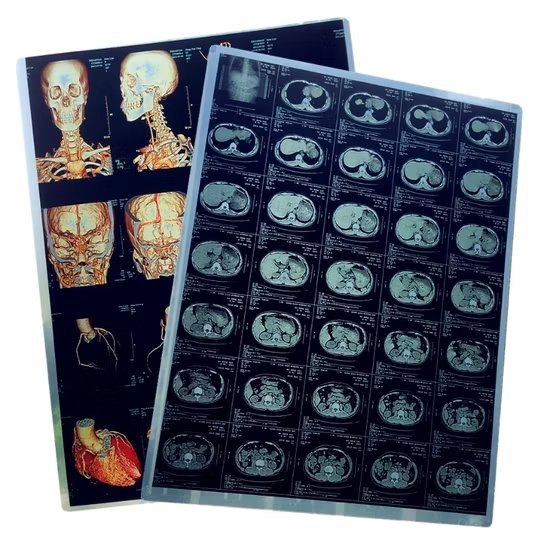
DICOM printed film sheets Radiology film printouts
No Changes Required
Works with your existing DICOM systems and Windows printers.
Secure & Reliable
Built for performance, stability, and secure data handling.
Easy Integration
Quick setup with minimal configuration required.
Cost Effective
Leverage existing printers and reduce infrastructure costs by up to 80%.

A Smart Software Router Between DICOM and Windows

DICOMPRINT acts as a virtual DICOM printer on your network. Any DICOM application sees it as a standard DICOM Print SCP — and DICOMPRINT forwards the print job to any Windows printer you configure.

01
DICOM App Sends Print Job

Your PACS, RIS, modality or viewer sends a print command to DICOMPRINT's DICOM AE Title — exactly as it would to a film printer.

02
DICOMPRINT Receives & Converts

The software receives the DICOM print job, decodes the image data and converts it into a standard Windows print-ready format.

03
Routes to Configured Printer

Based on AE Title mapping rules, DICOMPRINT routes the job to the correct Windows printer — local, shared or network.

04
Physical Print Output

Your regular Windows printer produces the output — X-rays, reports, film sheets — at the size and quality you configure.

Everything You Need to Print DICOM Images

🖨️
Multi-Printer Support
Configure multiple Windows printers — assign different AE Titles to different printers for automatic routing by modality or department.
📐
Media Size Flexibility
Supports A4, Letter, and standard film sizes (8×10, 14×17 inches). Configure page layout, orientation and scaling per printer.
🔐
Secure Print Transmission
All DICOM data transmitted securely. No patient data stored locally after printing. Full audit logging with timestamps.
🔄
Multiple Simultaneous Connections
Handle concurrent print requests from multiple DICOM sources simultaneously without queue bottlenecks or delays.
📊
Print Job Dashboard
Real-time dashboard showing today's prints, recent jobs, AE titles, print counts and complete history with timestamps.
Single File, Self-Contained
One .exe file — no installer, no runtime dependencies needed. Copy it anywhere and it just works on any Windows PC.

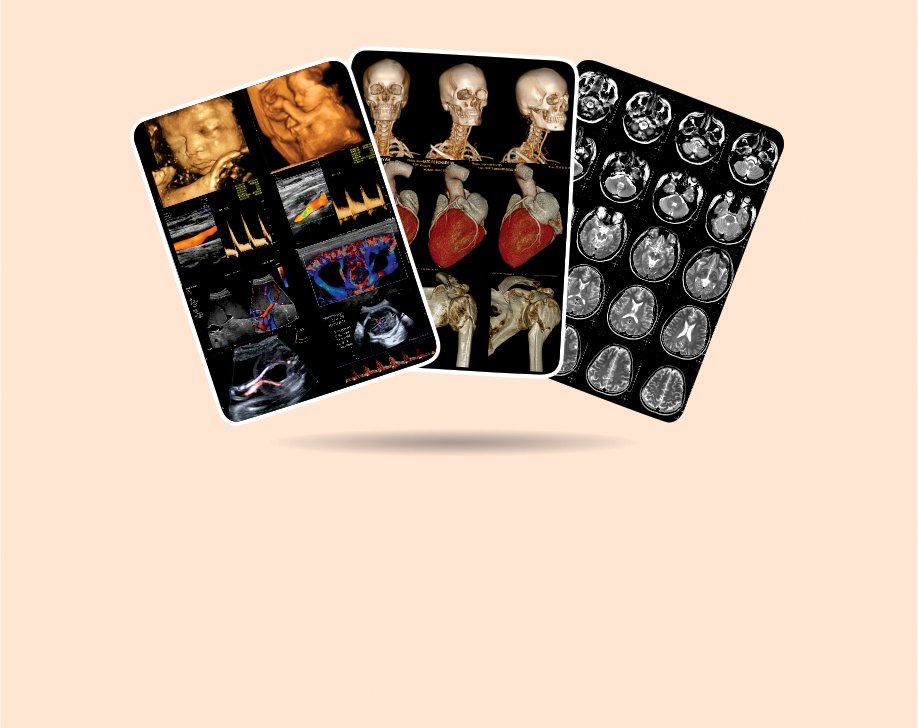
Print Quality Medical Films on Standard Printers

DICOMPRINT renders full-resolution DICOM images — CT, MRI, ultrasound, and more — onto any Windows printer output.

  • Full-resolution DICOM image rendering
  • CT, MRI, PET, Ultrasound, X-Ray support
  • Multi-image layout on single sheet
  • Custom header & footer with clinic logo
  • DICOM annotations preserved
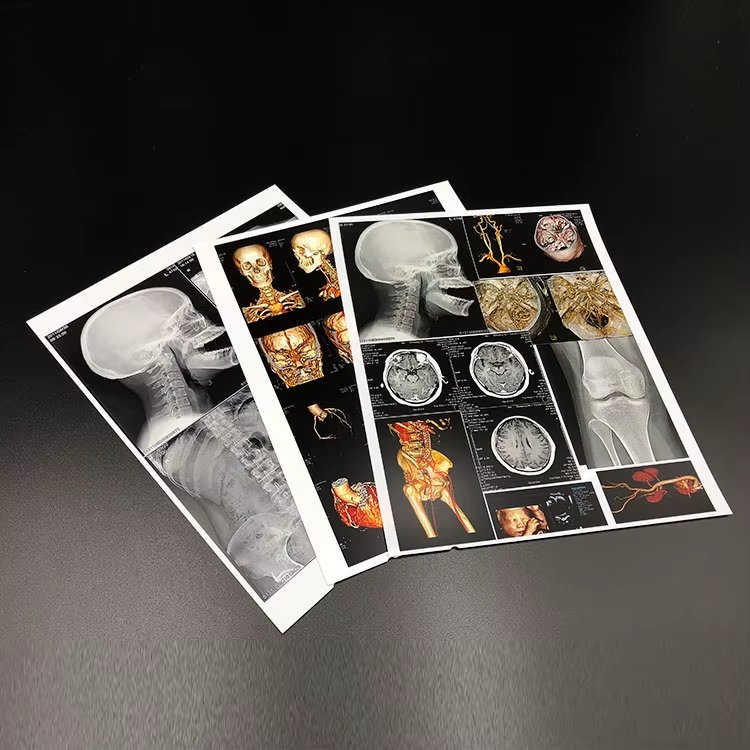
DICOM printed film output Radiology film printouts Medical imaging film cards

Who Uses DICOMPRINT

Hospitals without DICOM Printers
Print directly from PACS or RIS to regular ward or office printers for referral reports and patient copies.
Diagnostic Centres
Route print jobs from multiple modalities to designated printers — automatically, without manual intervention.
Teleradiology Setups
Enable remote radiologists to trigger prints at the facility end without direct printer access.
Dry Film Replacement
Transition from costly DICOM film printers to standard laser printers — reduce printing cost by up to 80%.

Built for Enterprise Reliability

DICOMPRINT is engineered on DICOM 3.0 standards, tested with all major PACS and RIS systems used across Indian healthcare facilities.

Download Free Trial Request Demo
Protocol
DICOM 3.0 Print SCP
OS Support
Windows 10, 11 (64-bit)
Printer Support
Any Windows-compatible printer
Network
TCP/IP (LAN / VPN)
AE Title
Configurable per printer
Media Types
A4, Letter, Film sizes (8×10, 14×17)
Security
Hardware-locked license, audit logging
Deployment
On-premise, single .exe, self-contained

Simple, Transparent Pricing

No per-print charges. No hidden fees. One flat license per machine per period. UPI payment accepted.

Free Trial
0
3 days trial
No credit card required
  • 25 total prints
  • 10 prints per day
  • All modalities
  • Color + Grayscale
  • Header / Footer
  • Priority support
Download Free Trial
Yearly
10,000
per year, per machine
+ 18% GST = ₹11,800 total
  • Unlimited prints
  • All modalities
  • Color + Grayscale
  • Header / Footer support
  • Priority email support
  • Free updates for 1 year
Get Yearly →

Try Before You Buy

Register and download — start printing in minutes. No credit card needed.

⏱ 3 Days
🖨 25 Prints Total
📅 10 Prints / Day
🌐 Windows 10 / 11
⬇ Download Free Trial
~155 MB · Self-contained .exe

Frequently Asked Questions

Yes. DICOMPRINT is a cost-effective dry film printer replacement. Instead of expensive thermal film, images are printed to any standard Windows laser or inkjet printer — at a fraction of the cost. Many diagnostic centres use DICOMPRINT specifically to eliminate dry film printing costs.
Yes. DICOMPRINT provides the same core functionality as DICOMJet — connecting DICOM sources to Windows printers — with full C-PRINT SCP support, customisable paper layouts, and compatibility with all major PACS and modalities.
Yes — that is exactly what DICOMPRINT is designed for. CT, MRI, Ultrasound, CR, DR and other DICOM-compliant modalities can send images directly to DICOMPRINT, which renders and prints them on any Windows-compatible printer.
No. DICOMPRINT installs on a Windows PC on your network and registers itself as a DICOM Print SCP. Your existing PACS, modality, or RIS sees it as a standard DICOM printer — no configuration changes on those systems.
Yes. DICOMPRINT implements the standard DICOM Print SCP protocol and is compatible with GE, Siemens, Philips, Mindray, Samsung, and all other major vendors. It has also been tested with open-source PACS systems like dcm4chee and Orthanc.
Yes, we accept UPI payments. Our UPI ID is micromedhealthcareandinformationsolutions@icici. After payment, submit your UTR reference number in the client portal. Our team verifies and activates your license within a few hours.

Get In Touch

Questions about licensing, compatibility, or setup? We’re here to help.

Address

201-Mini Qutub View Apt, Ward-8
Mehrauli, New Delhi — 110030

UPI Payment

micromedhealthcareandinformationsolutions@icici

MHIS
Micromed Healthcare & Information Solutions
25+Years Experience
500+Facilities
Pan IndiaCoverage

Send a Message

Get DICOMPRINT

Start Printing DICOM to
Any Windows Printer Today

Join hundreds of diagnostic centres and hospitals across India who have eliminated expensive DICOM film printers with DICOMPRINT.

⬇ Download Free Trial
✦ 25+ Years Healthcare IT ✦ Trusted by 500+ Facilities ✦ Pan India Support ✦ GE / Siemens / Philips Compatible